
スマートカンファレンス ヘルプ
Contributed Paper Submission
Q
How to Upload “Submission B” (Post-Acceptance Submission of Final Paper)
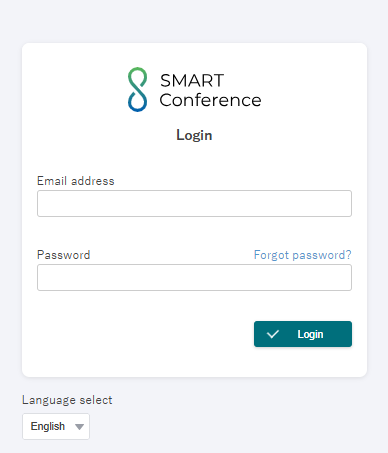
1.Log in to SMART Conference.
2.Select your conference, then click “Submission B” in the left-side menu.
Note: This menu option will only be visible for accepted papers and during the submission period.
アップロード手順.jpg)
3.Click the “Enter Submission B” button next to your accepted abstract title.
アップロード手順2.jpg)
4.Fill out the Submission B entry form and click the green button at the bottom to proceed to the confirmation page.
アップロード手順3.jpg)
Important Notes:
- The submission format will be either text entry or PDF upload, as specified by the conference organizers. (*Maximum file size for PDF: 18MB)
- These instructions show the PDF upload style. For text entry submissions, click “Input” to enter your content.
5.Review your submission on the confirmation screen.
アップロード手順4.jpg)
Click the “✓ Send” button to finalize your submission.
You can still edit or modify your submission anytime during the submission period.
お問い合わせをご希望のお客さまへ
操作方法に関するお問い合わせ、製品の導入検討のお問い合わせなど
お客さまの疑問にお答えする各種サポート・サービスについてご案内します。
▼Search by Keyword
▼Search by Category