
スマートカンファレンス ヘルプ
Contributed Paper Submission
Q
How to Edit Paper Submission(Invited Talks)
Click the “Invited talk” tab on the left side of the screen.
This will open the submission and editing page.
Find the paper you want to edit from the list and click the “Edit” button.

The Edit Submission page will appear.
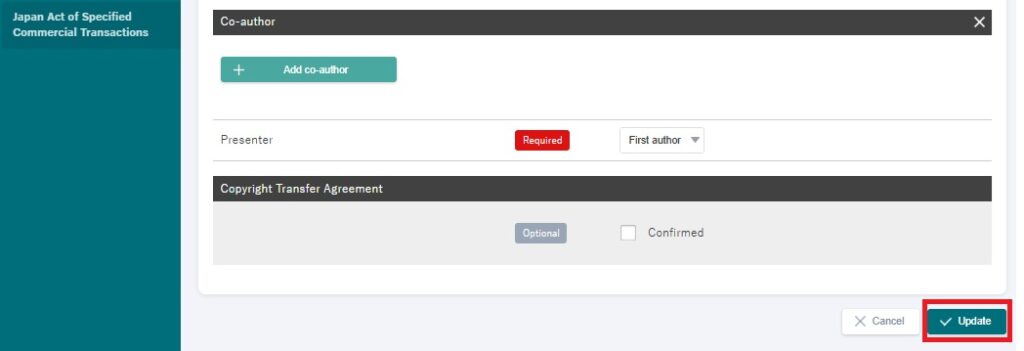
Click on the section you want to update and enter your changes.
After making edits, click “Update” to save your changes.
You can also access the “Edit” button from the paper details page to make changes.
お問い合わせをご希望のお客さまへ
操作方法に関するお問い合わせ、製品の導入検討のお問い合わせなど
お客さまの疑問にお答えする各種サポート・サービスについてご案内します。
▼Search by Keyword
▼Search by Category